Table of Content
(503 views)
Published:December 4, 2025 at 11:26 am
Last Updated:21 May 2026 , 5:56 am
Key Takeaways:
Introduction
Choosing a platform for your next digital product isn’t just a technical decision anymore. It shapes how quickly you can launch, how far the system can grow, and how much it costs to maintain. The discussion around Laravel vs WordPress has intensified because businesses now expect stability, speed, and the freedom to expand without rebuilding everything.
Both platforms are widely used, but they solve different types of problems. Laravel is a framework built for tailored systems, while WordPress is a CMS that has grown into a flexible ecosystem. Leaders often struggle not because the platforms are confusing, but because the real deciding factors hide beneath typical “pros and cons” lists.
This guide breaks it down without jargon, helping you decide what actually suits your business model.
Quick Decision Checklist: Laravel vs WordPress
Choose Laravel for custom, scalable systems with complex logic; choose WordPress for fast deployment, content-focused sites, and easy non-technical management. Let’s explore the Laravel vs WordPress glimpses based on factors.
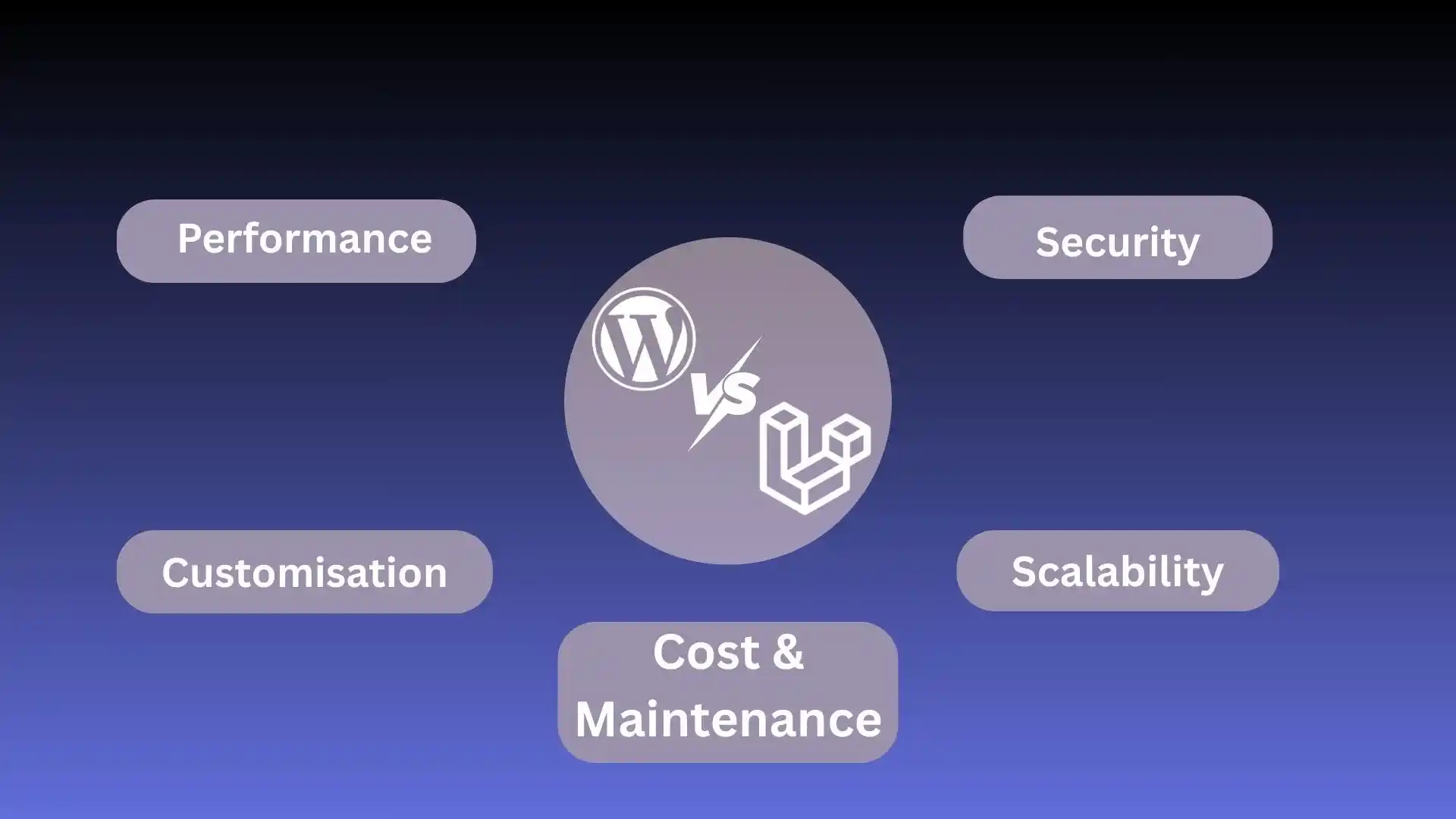
Laravel vs WordPress: A Detailed Comparison You Must Know
Performance
Laravel is designed for modern PHP development with routing, caching, and database layers optimised for high-demand workflows. Applications built using Laravel development practices handle large operations without slowing down.
WordPress performs well in its default state, but once heavy themes or plugins are added, laravel vs wordpress speed can dip. Performance tuning becomes a continuous job as the site grows.
Laravel for complex apps; WordPress for stable content websites.
Customisation
Laravel offers complete freedom. With a Laravel custom CMS, you’re not adapting your business to a template; the system adapts to you. Our custom CRM Laravel experts craft the database, logic, and UI exactly as required.
WordPress is flexible but follows a plugin-and-theme structure. Deep customization often means reworking core templates, which introduces maintenance risk.
Laravel gives indefinite creative room; WordPress keeps things predictable.
Security
Laravel offers built-in CSRF protection, hashed passwords, encryption, and modern authentication layers. Security is structured into the framework rather than added later.
WordPress itself is secure, but plugin vulnerabilities are a known challenge. Sites that aren’t monitored by experienced WordPress development companies tend to face more attacks.
Laravel is a more controlled environment. WordPress works well with disciplined maintenance.
Scalability
Laravel supports API-driven architecture, queue systems, Redis caching, and modular code, ideal for high-traffic or multi-feature platforms.
WordPress can scale, too, but scaling usually means adding CDNs, caching plugins, and optimised hosting, more components to manage.
Laravel for long-term evolution; WordPress for predictable business websites.
Cost and Maintenance
Laravel requires more development effort, especially early on. But once the architecture is stable, teams often save costs because they aren’t relying on dozens of plugins.
WordPress offers a cheaper entry, but maintenance can increase over time if the site grows into something it wasn’t originally designed for.
WordPress is cost-efficient initially; Laravel pays back with flexibility and longevity.
Best Use Cases for WordPress vs Laravel
Choose Laravel when your project involves
- Multi-level user systems
- Dashboards, analytics, or custom workflows
- SaaS platforms
- Marketplaces
- API-based mobile apps
- Anything requiring custom business logic that plugins can't handle
Choose WordPress when your project involves
- Company websites
- Content-focused platforms (blogs, news, guides)
- SEO-driven traffic
- Marketing-driven landing pages
- Websites requiring quick editing by non-technical teams
What is Laravel: Advanced Understanding?
Laravel is a modern PHP framework built around elegant syntax and organized architecture. Instead of working with a predefined structure, Laravel developers shape the system according to your business needs.
Pros of Laravel
- Adaptable structure for complex projects
- Excellent security layers
- Built-in artisan commands, queues, and caching
- Perfect for Laravel custom CMS solutions
- Smooth API development for mobile apps
Cons of Laravel
- Longer development time
- Higher initial costs
- Requires an experienced technical team
When to Choose Laravel Over Traditional CMS Systems
Laravel fits when your idea can’t be realised through plugins or themes. If the system needs to automate internal processes, connect multiple services, or handle dynamic operations, a Laravel development approach gives complete control.
What is WordPress: Beyond Normal?
WordPress began as a blogging tool but evolved into a flexible WordPress CMS used by millions. Most businesses choose it because it’s familiar, content-friendly, and supported by a massive plugin library.
Pros of WordPress
- Easy content management
- Huge plugin ecosystem
- Quick to deploy
- Friendly for SEO teams
- Supported by many WordPress development companies around the world
Cons of WordPress
- Plugin reliance can create conflicts
- Scaling requires constant optimization.
- Custom features sometimes feel forced
- Security risks if updates are ignored
When WordPress Development Companies Are the Right Choice
When laravel vs wordpress speed to market matters, or when marketing teams need full control without developers involved, WordPress wins. Experienced professionals can build corporate websites, e-commerce stores, or publications efficiently.
SEO Considerations: Which Platform Performs Better in Search?
WordPress has an advantage because SEO plugins (Yoast, RankMath) guide teams through optimization without technical help.
Laravel requires custom SEO rules, but developers can implement cleaner, faster structures that outperform WordPress when speed and structured data matter.
WordPress wins for content SEO. Laravel wins for performance-led SEO.
Cost Comparison: Laravel vs WordPress
Development Cost
- Laravel requires custom coding; WordPress leverages plugins and themes.
- For advanced platforms, Laravel may cost more upfront, but it prevents future rebuilds.
Hosting & Maintenance Costs
- Laravel runs best on VPS or cloud hosting.
- WordPress can run on affordable shared hosting but needs frequent updates and monitoring.
Long-Term ROI Considerations
- If the system will grow, integrate new features, or support mobile apps, Laravel provides better ROI.
- If traffic is mostly content-led, WordPress delivers value much faster.
Laravel vs WordPress: Final Expert Verdict
This isn’t about choosing a “better” Laravel vs WordPress platform; it’s about choosing what fits your growth direction.
Choose Laravel when:
- The product requires custom logic
- You expect the platform to evolve with your business
- APIs, automations, or dashboards are central
- You want a future-proof structure
Choose WordPress when:
- Your priority is content, SEO, and marketing
- You need to launch quickly and affordably
- A well-supported plugin solves most of your requirements
- You prefer a system easy for non-technical teams
In the larger Laravel vs WordPress debate, the best choice depends entirely on the nature of your business, not the popularity of the platform.
Conclusion
Choosing between Laravel vs WordPress ultimately comes down to how unique, scalable, and future-focused your digital product needs to be. Laravel offers the freedom to build tailored systems, while WordPress excels in content-driven websites and quick deployment.
Businesses that evaluate growth plans, internal capabilities, and long-term maintenance early make far better decisions and avoid costly rebuilds later. If you’re still unsure which direction fits your roadmap, AIS Technolabs helps brands assess both frameworks and choose the right foundation for sustainable growth.
Whether you need a custom workflow, a Laravel-driven application, or a strong WordPress presence, the right strategy will shape your platform’s long-term performance.
FAQs
Ans.
Laravel projects take longer because the system is built from scratch. WordPress allows faster launches since experienced WordPress development companies can assemble the structure with existing tools.
Ans.
Not necessarily. While Laravel needs a capable developer, it avoids plugin dependencies. WordPress looks cheaper initially, but long-term maintenance increases as you add plugins and scale content.
Ans.
Laravel handles spikes better because the architecture is built for load distribution. WordPress can match it only with premium hosting, cache layers, and regular optimization.
Ans.
Systems with recurring updates, like CRMs, booking platforms, or SaaS models, see higher ROI from Laravel because custom workflows reduce operational costs over time.
Ans.
WordPress offers APIs, but deep integrations often hit plugin limits. Laravel’s API-first approach makes future app development smoother.
Ans.
Laravel includes strong built-in security features, keeping costs predictable. WordPress needs regular monitoring and premium security plugins, especially for large sites.
Ans.
Laravel generally needs stronger in-house engineering. WordPress can be managed by a smaller team with periodic support from WordPress development companies.
Ans.
Laravel. A Laravel custom CMS is built precisely for your workflows, reducing reliance on multiple third-party tools or subscription software.

Harry Walsh
Harry Walsh, a dynamic technical innovator with 8 years of experience, thrives on pushing the boundaries of technology. His passion for innovation drives him to explore new avenues and create pioneering solutions that address complex technical problems with ingenuity and efficiency. Driven by a love for tackling problems and thinking creatively, he always looks for new and innovative answers to challenges.
 ASIA PACIFIC