Table of Content
(504 views)
Published:November 24, 2025 at 6:33 am
Last Updated:19 May 2026 , 12:45 pm
Key Takeaways:
Introduction
The ecosystem has launched a React Native new architecture, which will be one of the most significant upgrades to their platform to date. The new design focuses on making applications not only quicker but also more reliable and easier to integrate into the modern mobile development workflows. Developers looking for long-term projects should consider these improvements as an ideal opportunity to start working with them.
It might sound complicated or scary to switch over to the new architecture, but with sufficient clarity and comprehension, the process of transitioning is really much simpler than it seems. The guide provides a detailed process that has practical and easy-to-understand explanations regarding the entire subject matter, which are free from coding immersions, so you can, with full support, bring your application ahead into the future.
What is the new architecture in React Native?
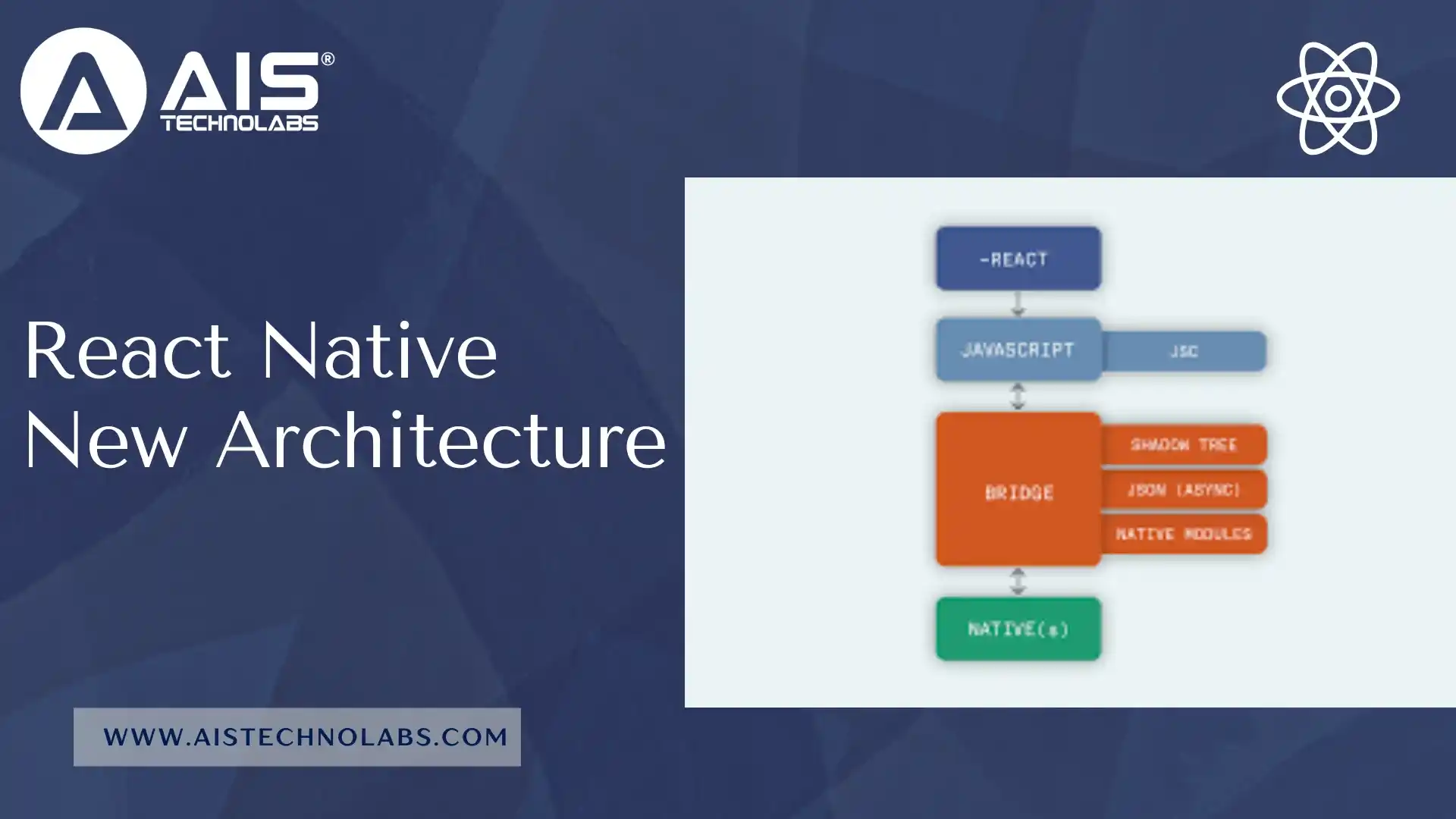
The new React Native architecture is a revolutionary change in the way the JavaScript layer communicates with the native platforms. The old-fashioned bridge model has now been replaced by a remarkably faster and more predictable system made possible by:
- JavaScript Interface (JSI)
It grants the JavaScript language the capability of natively calling functions directly without the need of the old asynchronous bridge. - Fabric Renderer
A new rendering system that makes the UI comparable, faster, and less memory-consuming. - TurboModules
A quicker and more modular method for obtaining and loading native modules. - Hermes React Native
The upgraded JavaScript engine that is now the default engine for React Native apps has been chosen for its efficiency.
The mix of these factors liberates the limitations, reduces the time taken, boosts the rendering, and reveals the reason for which many groups hire react native developers to create applications that are almost as good as the native ones for contemporary projects.
Why switch over to the new React Native architecture?
The new architecture of React Native not only improves the performance significantly but also gives a greater developer experience:
- Quicker JS–Native Interaction
JSI gets rid of the old JSON-based bridge and allows synchronous calls, which leads to less overhead. - UI Performance is Elevated With Fabric Renderer
The Fabric renderer gives better support for concurrency, more fluent animations, and precise UI layout. - Reduced Startup Time with Hermes React Native
The use of Hermes leads to precompiled code and less consumption of memory, which, in turn, results in faster app startup and a smaller package size. - TurboModules Provide On-Demand Loading of Modules
The native modules are activated only when they are really needed, which results in better performance in large applications. - Developer’s Delight
More certain behavior, better debugging help, and more secure type assurance through Codegen. - The Architecture that is Future-Proof
The new architecture will be the main target for all the improvements in React Native to come.
For those who want to develop large, modern applications, migration is not an option—it is a necessity.
Old Architecture vs New Architecture of React Native
In order to fully appreciate the benefits, let me show you the former system side by side with the new React Native architecture.
Prerequisites Before Migration
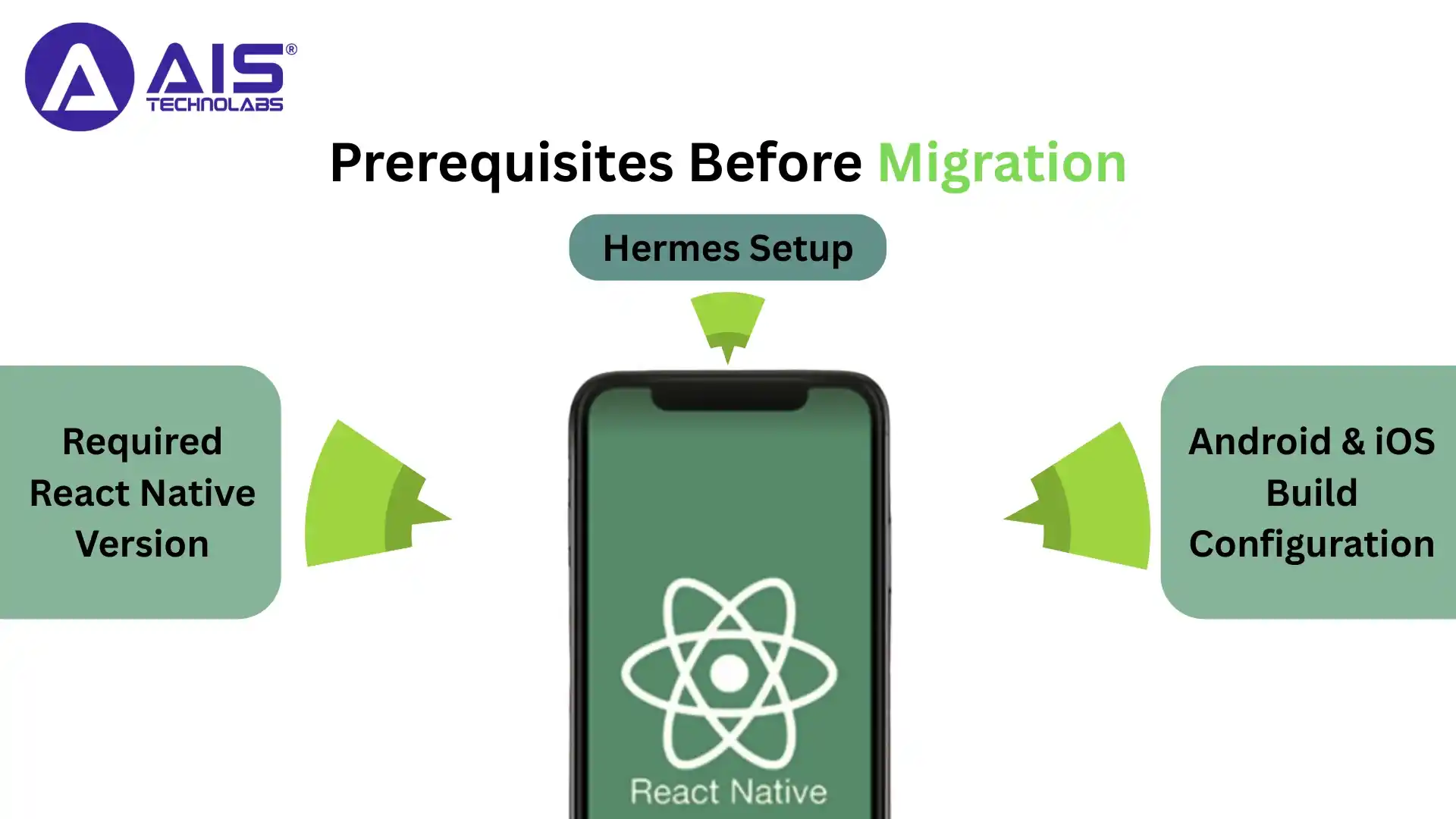
Before moving to the new architecture of react native, it is essential to first make sure that your environment is a proper fit for the new system. The following are the primary preconditions:
Required React Native Version
The new architecture demands a more up-to-date version of React Native. Applications should be on a version that provides complete support for Fabric, Hermes, and TurboModules. Upgrading of the old projects may sometimes necessitate changes in the navigation libraries, UI components, and custom-made modules.
Hermes Setup
As Hermes React Native is now the default JavaScript engine, the application must be set to operate on Hermes. This entails the libraries being updated, which depends on specific features of other JS engines.
Android & iOS Build Configuration
Project settings have to be updated for both platforms.
Android needs:
- Compatible Gradle settings
- Updated build tools
- Support for Hermes and TurboModules
- Updated packaging configurations
iOS needs:
- A compatible Xcode version
- Updated Pod settings
- Support for Fabric and TurboModules
- Correct React Native installation paths
- Making sure these configurations are accurate will eliminate errors during migration and building processes.
Ready to Go Modern? Discover React Native’s New Architecture Guide
Step-by-Step Migration Process
Once the prerequisites are ready, you can begin migrating to the react native development. Below is the complete, no-code, high-level migration guide.
Updating the Project to the Latest React Native Version
To stroll in the park, first, take your project up to the architecture that is completely new and supports the React Native version. When the process is done, go through the list of all dependencies and check if they are compatible or not.
Enabling Hermes for React Native
Moving your application to Hermes brings along a startup time that is better by a big margin, and memory usage that is lower than the one before, plus more efficient overall performance. The majority of the modern versions of React Native do use Hermes as the default, but the verification of the setup is still important.
Turning on the Fabric Renderer
By turning Fabric on, the UI applications are benefiting from the modern rendering power that is modern, features concurrency and stability in layouts. Fabric is the one that makes it possible for the new architecture to reach its full potential.
Migration of Existing Native Modules to Turbo Modules
In case your project includes custom native modules, they are to be moved to Turbo modules. This means that the structure of the module should conform to the new specifications, and compatibility with JSI and Codegen should be ensured.
Executing Codegen to Generate the Necessary Files
Codegen is a software tool that generates the native files automatically required for Turbo modules and fabric components. It guarantees type safety and lessens the burden of the manual setup.
Switch to Bridgeless Architecture (JSI Mode)
With the adoption of TurboModules and Fabric, an old bridge is no longer needed, and the application can run in JSI mode, which means synchronous calls and thus performing most operations at a greater speed.
Test and Fix UI Issues
With Fabric, the way layout and rendering work has changed. The following should be thoroughly tested after the switch:
- Animations
- Cross-screen navigation
- Gesture handling
- Custom components
- Styling behavior
Some of the React Native libraries have already integrated with Fabric, and the others that are older may need to be updated.
Deploy the Updated Application
The first thing after making the app work as it should is to create release builds for testing. The following should be looked for:
- Faster app launch
- Improved memory usage
- Stable animations
- Reduced UI flickering
- Consistent behavior across platforms
The app is validated, and then it is ready for deployment to the Apple App Store and Google Play Store.
Checklist Before Migration
Here’s a practical migration checklist for quick confirmation:
- The latest React Native version is installed
- All third-party libraries are compatible with the new architecture
- Hermes is enabled
- Fabric renderer is activated
- TurboModules are implemented for custom modules
- Codegen is working correctly
- Android and iOS build settings are updated
- JSI / bridgeless mode is verified
- Full UI testing is completed
- Performance is tested on both low-end and high-end devices
- Release builds are generated without errors
Following this checklist ensures a smoother and safer migration of your Android and iOS applications.
Testing and Optimization
Regardless of a smooth migration, complete testing and optimization would be necessary to confirm that the app uses the full powers of the new architecture of react native.
UI Testing Under Fabric Renderer
Different tests should include screens, transitions, and layouts. Fabric is responsible for rendering differently, so minor inconsistencies may come up.
Performance Monitoring
Monitor memory consumption and processor utilization to verify the enhancement. The combination of Hermes should result in lower memory use and faster execution.
TurboModule Validation
All the native modules must work together without any issues. TurboModules are required to be loaded properly and to have the same behavior as old modules.
Stress Testing
Heavy usage, fast navigation, and switching between apps should all be simulated. The new architecture is expected to increase stability in such difficult situations.
Device Compatibility Check
Different device profiles should be used for testing:
- Low-end Android devices
- High-performance iOS devices
- Older OS versions
This guarantees that the performance is unchanged, no matter the environment.
After the app is optimized, it will have smooth navigation, a stable UI, and faster load times.
Conclusion
The React Native New Architecture is quite a revolutionary thing as it has changed the way mobile is explicitly developed with JavaScript. Among the most significant advantages are those of the Fabric renderer, TurboModules, JSI, and Hermes React Native, which uplift the new system's performance and stability and take usability to the next level.
Shifting to the new architecture means your application is always kept future-proof, scalable, and in step with the React Native workflow. New architecture provides for both: the maintenance of a large codebase and a new app start.
- Smoother animations
- Faster startup times
- Reduced memory usage
- A modern rendering engine
- Synchronous communication
- Better native module handling
For developers—and companies like AIS Technolabs—committed to delivering top-notch mobile apps, migrating to the new architecture isn’t just an upgrade. It has become the new standard for modern app development.
FAQs
Ans.
The React Native new architecture is a modern upgrade featuring Fabric, TurboModules, and Hermes for better performance. It improves speed, UI smoothness, and app stability.
Ans.
Fabric enables synchronous rendering, making UI updates, animations, and interactions smoother. It reduces frame drops and brings better cross-platform consistency.
Ans.
It’s best to migrate when you plan long-term development or face performance issues. Early adoption ensures compatibility and future-proofs your app.
Ans.
Yes, TurboModules load modules on demand, reducing startup time and improving memory efficiency. This leads to faster, more responsive app behavior.
Ans.
Hermes optimizes JavaScript execution, reduces memory use, and speeds up startup. It works seamlessly with the React Native new architecture for maximum performance.

Harry Walsh
Harry Walsh, a dynamic technical innovator with 8 years of experience, thrives on pushing the boundaries of technology. His passion for innovation drives him to explore new avenues and create pioneering solutions that address complex technical problems with ingenuity and efficiency. Driven by a love for tackling problems and thinking creatively, he always looks for new and innovative answers to challenges.
 ASIA PACIFIC